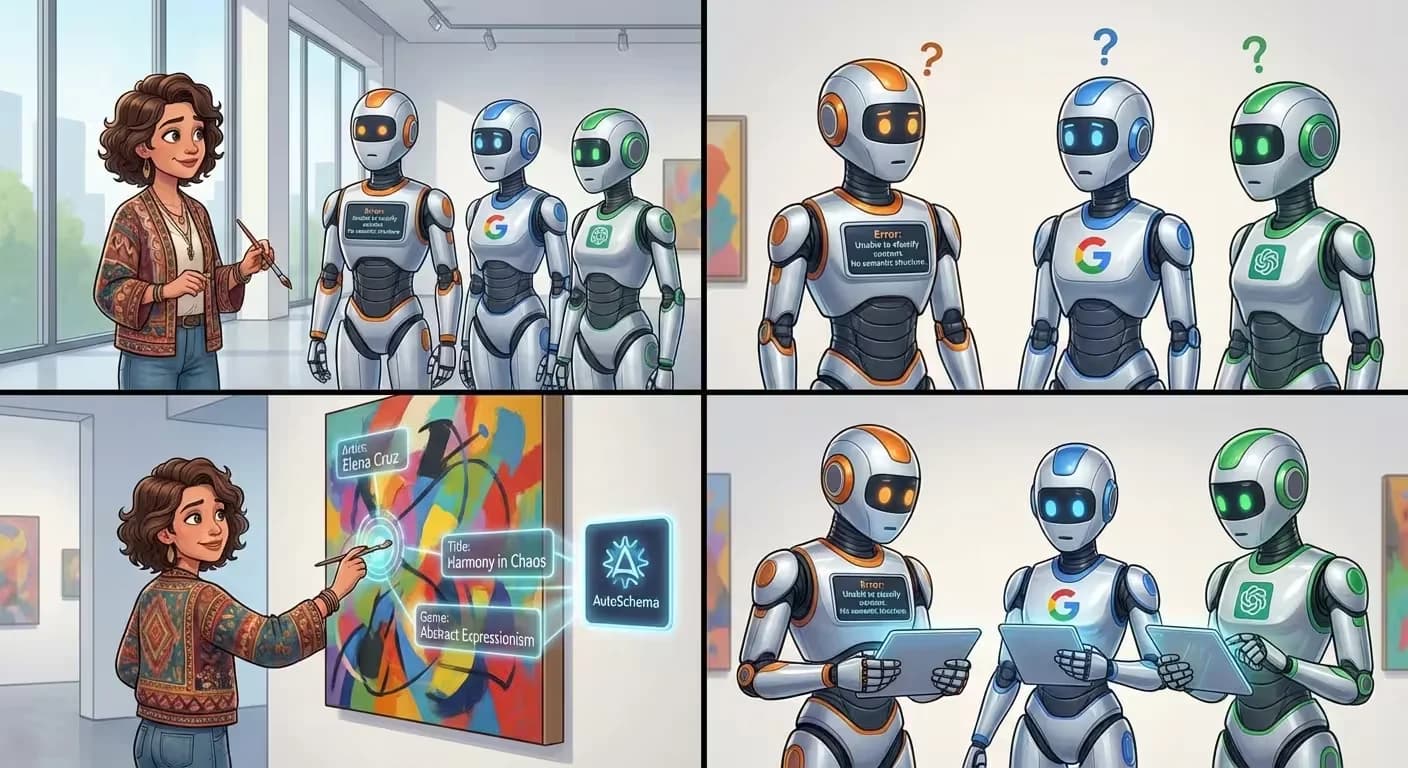
"But I already have Yoast"
This is the most common response we hear when talking to site owners about structured data. They installed Yoast, Rank Math, or All in One SEO years ago. The plugin has a green light next to "Schema." So the problem is solved, right?
Not quite. What most SEO plugins generate is a minimal, isolated schema block per page. Your homepage might get an Organization type. Blog posts get an Article type. Maybe your product pages get a Product type. Each one is a standalone snippet with no connection to anything else.
That is not a knowledge graph. That is a collection of sticky notes scattered across a building with no map connecting them.
Fragments vs. a connected graph
The difference matters more than it sounds. When Google finds an Article schema on your blog post, it knows the page is an article. That is useful. But it does not know who wrote it, what organization published it, what service it relates to, or how it connects to your other content.
A connected knowledge graph uses @id references to link entities across pages. The Article references an author. The author references the Organization. The Organization references its services. The services reference their FAQ pages. Every entity is part of a single, traversable structure.
Google's documentation explicitly encourages this pattern. Their structured data guidelines describe how @id references create "a single connected piece of information" that helps "understand the relationships between concepts on a page and across a site."
Most plugins do not generate @id links at all. Each page is an island.
What plugins get wrong
It is not that SEO plugins are bad — they solve a real problem for people who would otherwise have zero structured data. But they have structural limitations that are hard to fix with a plugin architecture.
First, they work page by page. Each page generates its own schema in isolation, without awareness of what other pages declare. There is no site-wide entity registry, no deduplication, no cross-page linking.
Second, they rely on manual input. You fill in fields — author name, organization name, logo URL — and the plugin injects them into a template. If you change your About page, the schema on your blog posts does not update. If you add a new service page, existing pages do not know it exists.
Third, they rarely validate the full graph. Google's Rich Results Test checks individual pages. But nobody checks whether the Organization on your homepage matches the publisher on your blog posts, or whether the author references actually resolve to real Person entities.
The real-world impact
Sites with disconnected schema fragments get some benefits — basic article metadata, maybe a breadcrumb trail in search results. But they miss the bigger wins: knowledge panels, entity-based answers in AI Overviews, confident citations from ChatGPT and Perplexity, voice search authority.
Those wins come from graph connectivity. Google needs to see that your organization is a real entity with a consistent identity across your entire site. AI systems need to see that your services are explicitly declared and linked to a trustworthy source. That requires a site-wide graph, not per-page snippets.
What a proper graph adds on top of your plugin
AutoSchema does not replace your SEO plugin — it fills the gap your plugin cannot. The plugin handles meta titles, descriptions, sitemaps, and basic page-level schema. AutoSchema adds the connected layer: site-wide entity graph with @id linking, cross-page entity references, automatic page classification, and real-time graph updates when content changes.
You keep Yoast for what it does well. AutoSchema handles what it was never designed to do. One script tag, no configuration conflicts, no duplicate schema — the system detects existing markup and builds around it.
A simple test
Go to Google's Rich Results Test. Enter your homepage URL. Then enter a blog post URL. Compare the two results. If the Organization on your homepage and the publisher on your blog post do not share the same @id, your schema is disconnected. Google sees two unrelated entities instead of one coherent business.
That is the gap. And it is the gap that costs you knowledge panels, AI citations, and rich search features.
Check your schema connectivity
Run a free scan and see whether your structured data forms a connected graph — or a pile of disconnected fragments.
Scan your site free →